




自動轉賬支薪服務
目的
表格 / 檔案
-
支薪指示信:
指示信授權致富銀行由客人公司戶口(活期或往來戶口)轉帳至員工活期戶口 -
支薪服務同意書:
由客戶與致富銀行簽署 -
提交 Excel 試算表:
由客人填寫Excel試算表,再交予銀行按指示轉帳支薪
(Excel試算表需要於轉帳日前一個工作天交給致富銀行)
Follow the steps below to install and set up CHIEF Bank Mobile Banking on your iPhone.
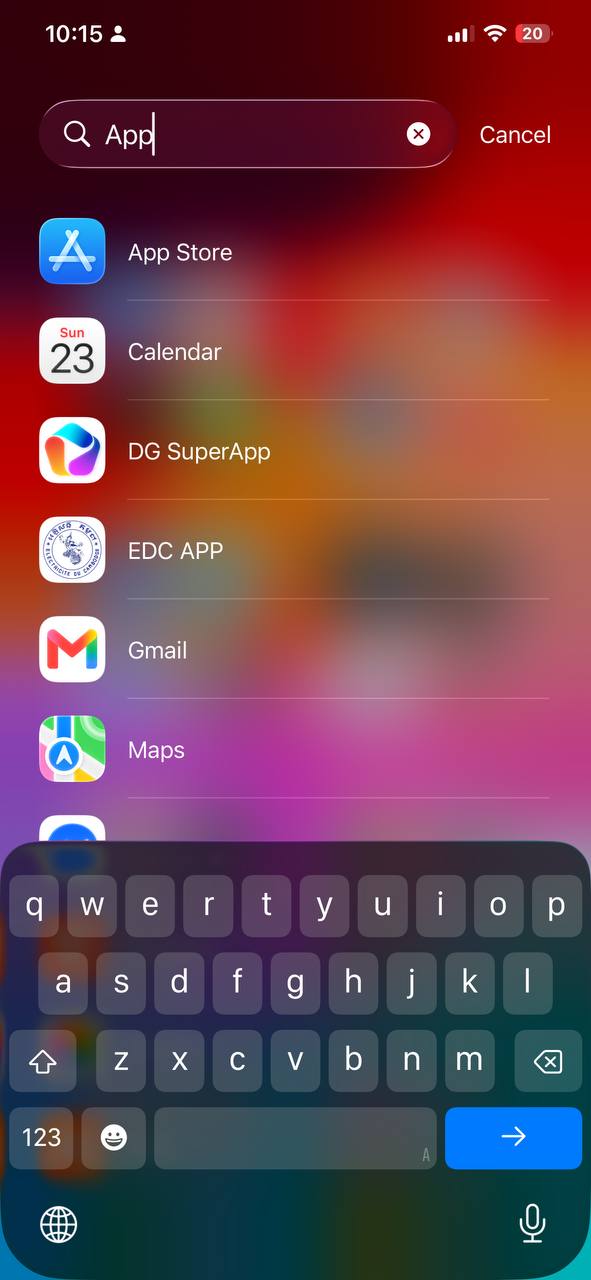
1.1 Open App Store
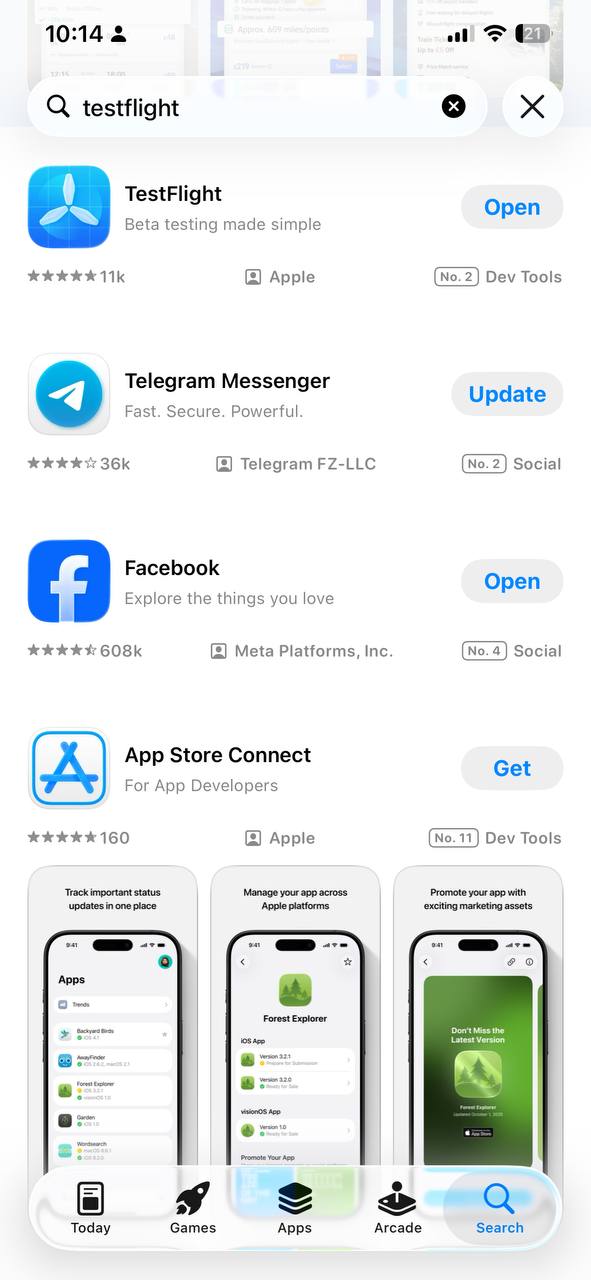
1.2 Search for TestFlight
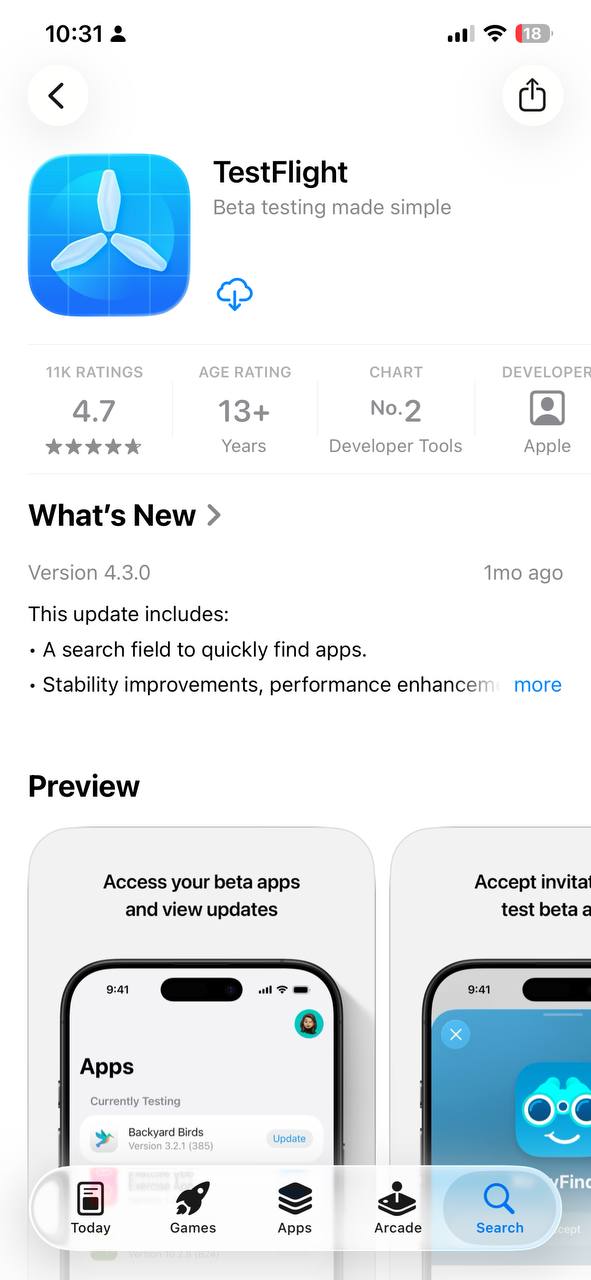
1.3 Tap Get to install
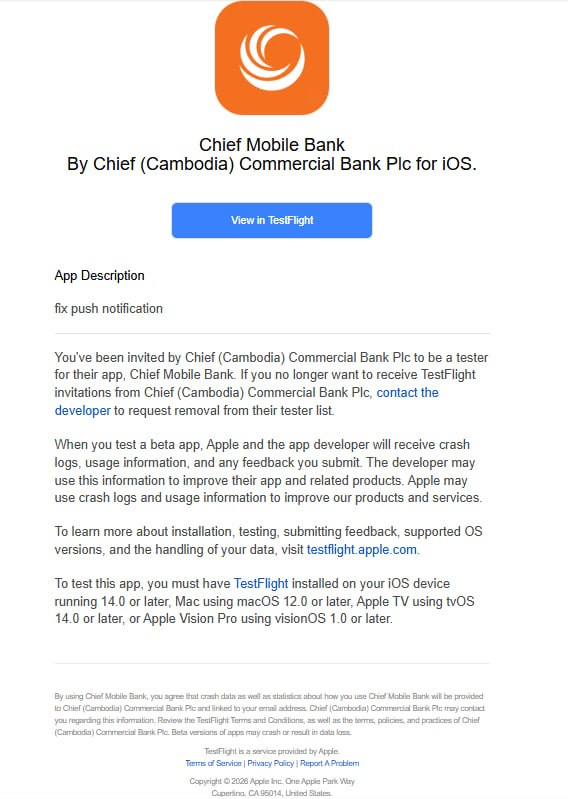
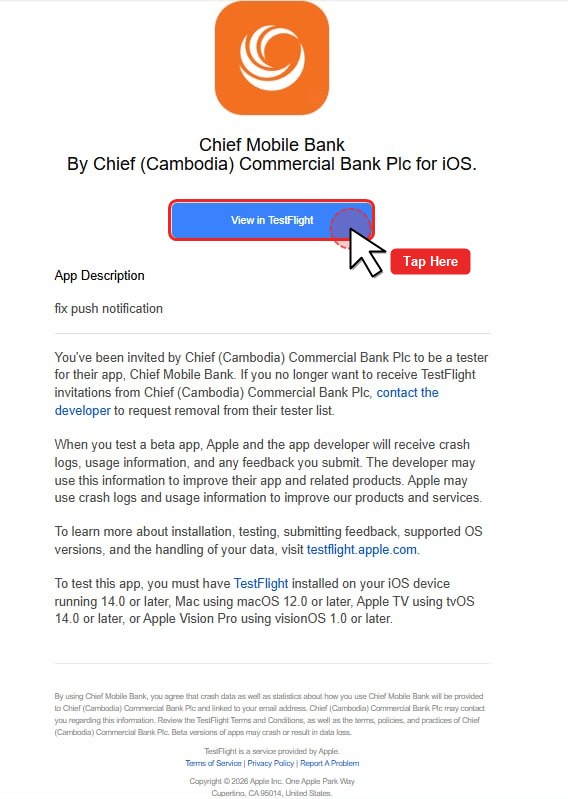
2.1 Open invitation email
2.2 Tap “View in TestFlight”
2.3 TestFlight opens automatically
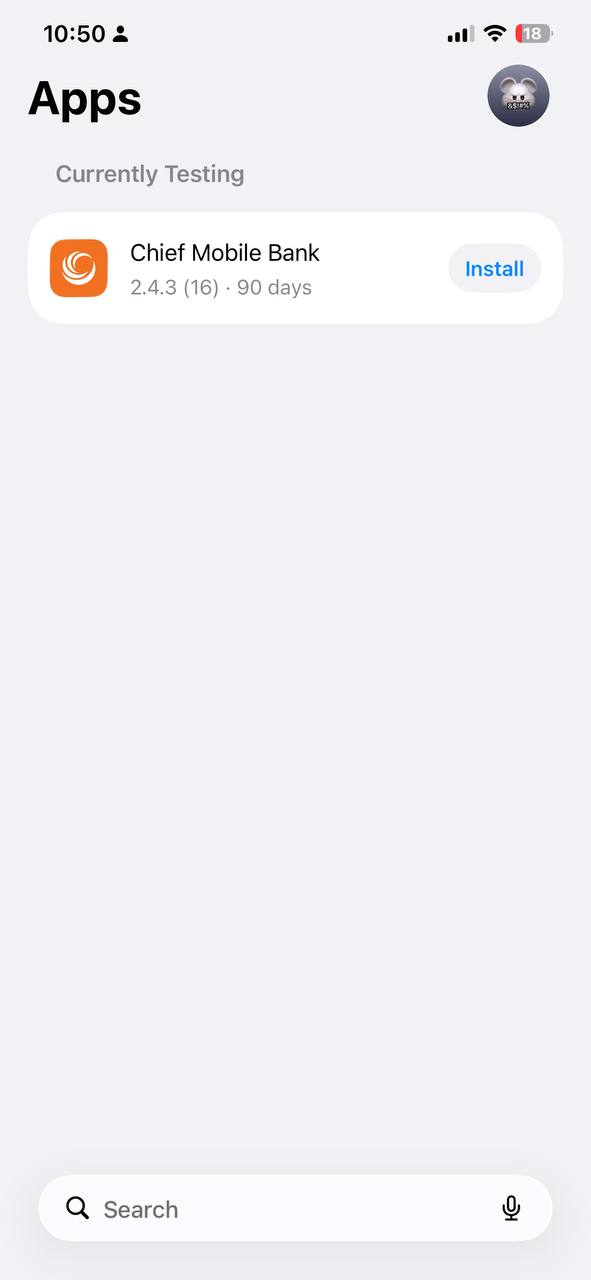
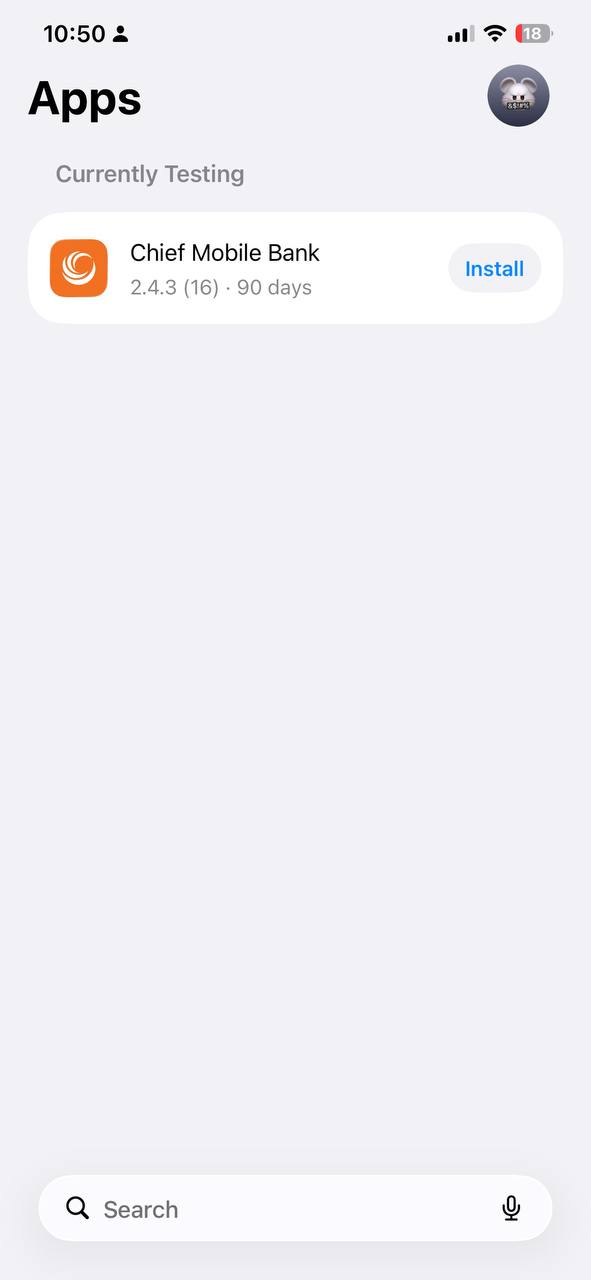
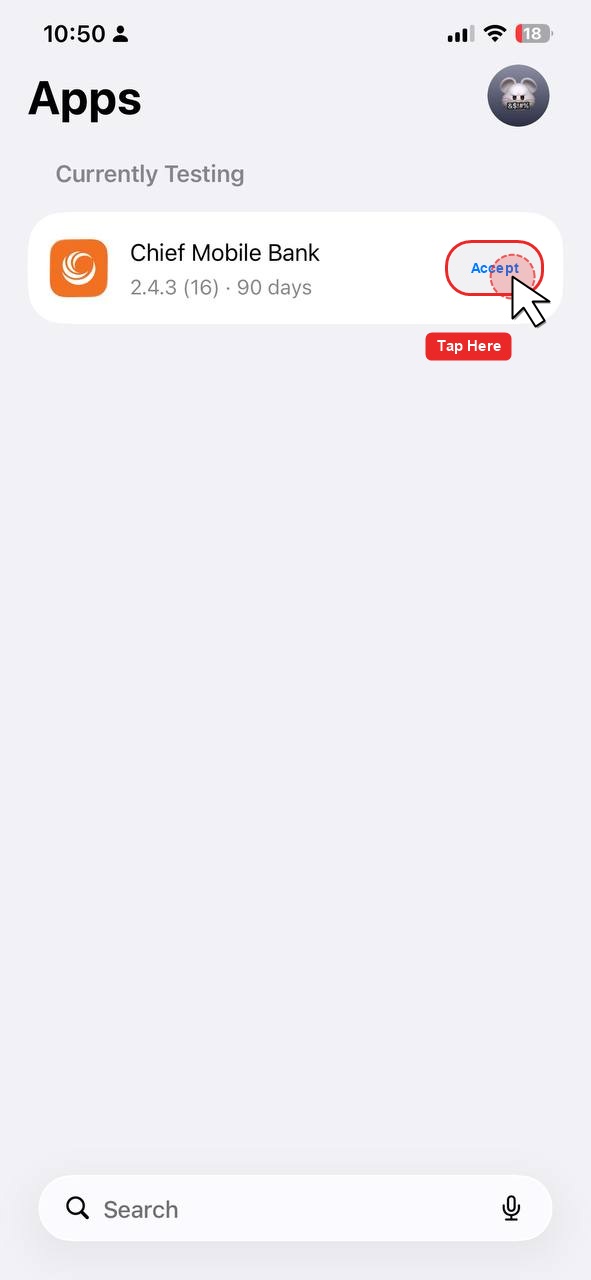
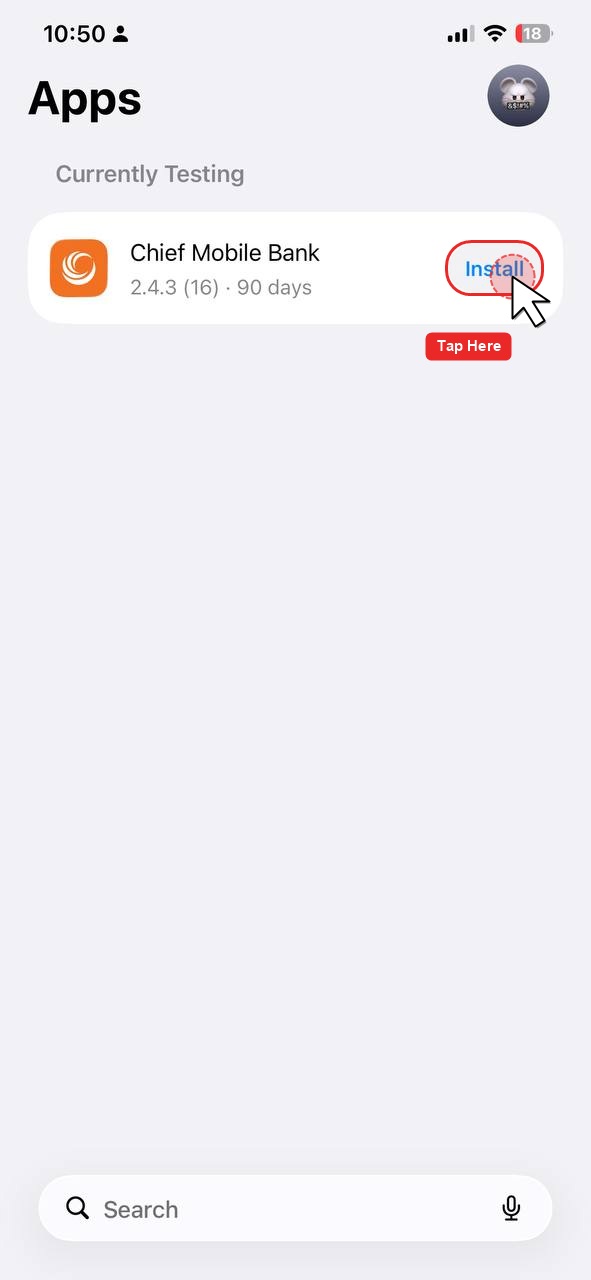
3.1 Find Chief Mobile Bank
3.2 Tap “Accept” (if requested)
3.3 Tap “Install”
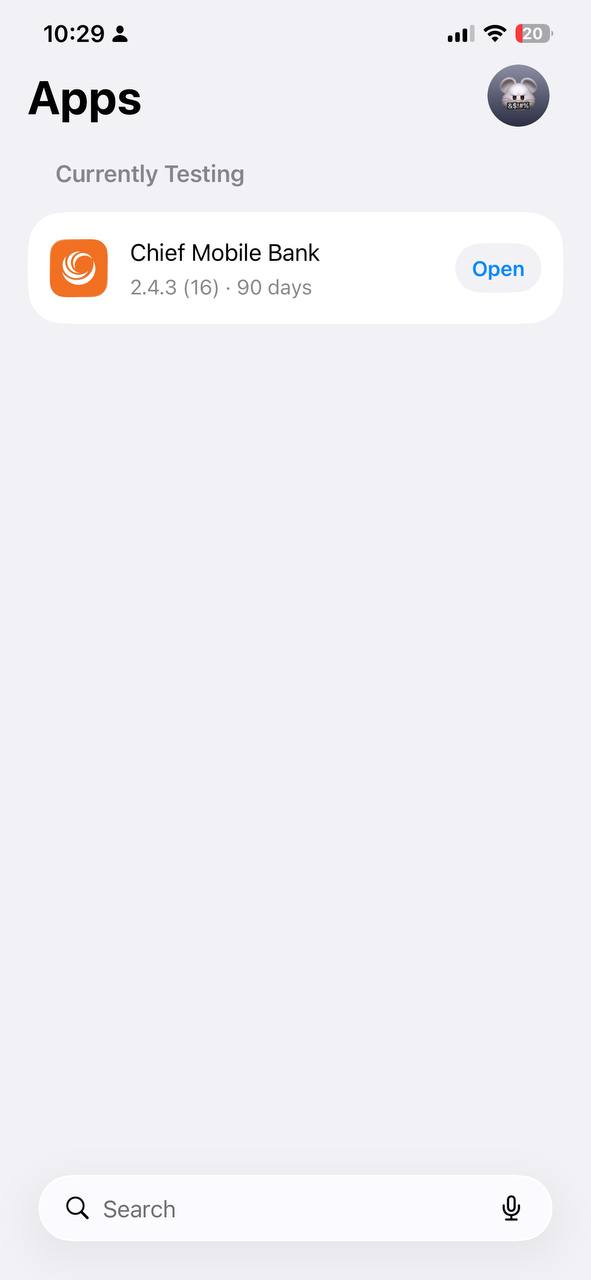
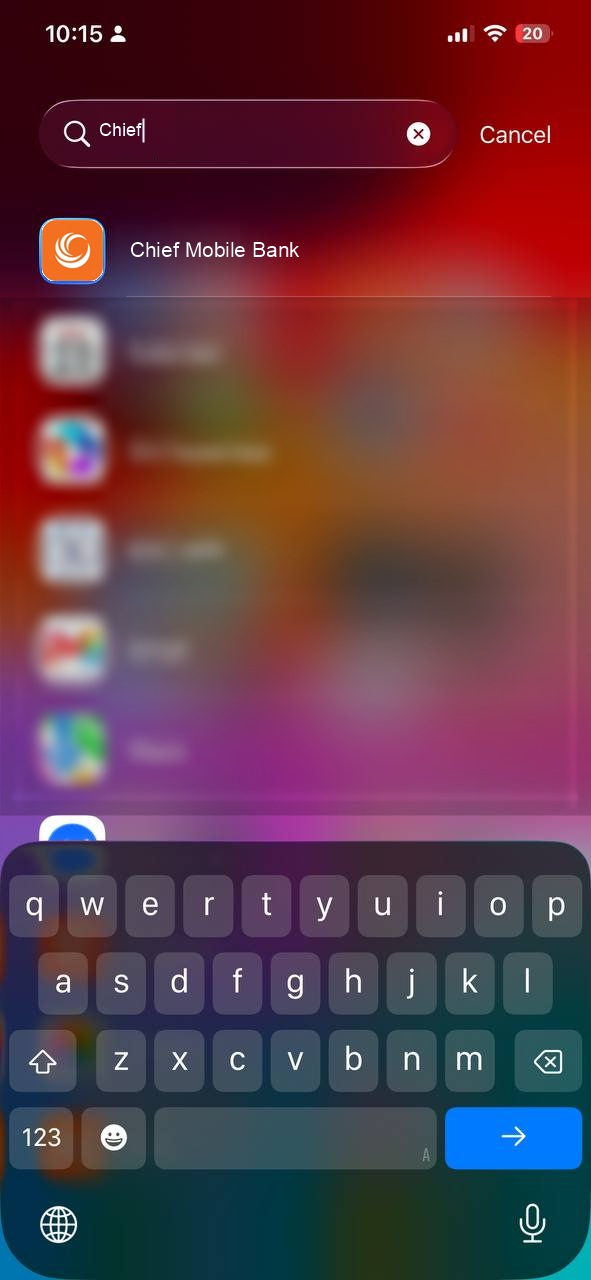
4.1 Tap Open in TestFlight
4.2 Or tap Chief Mobile Bank on your iPhone
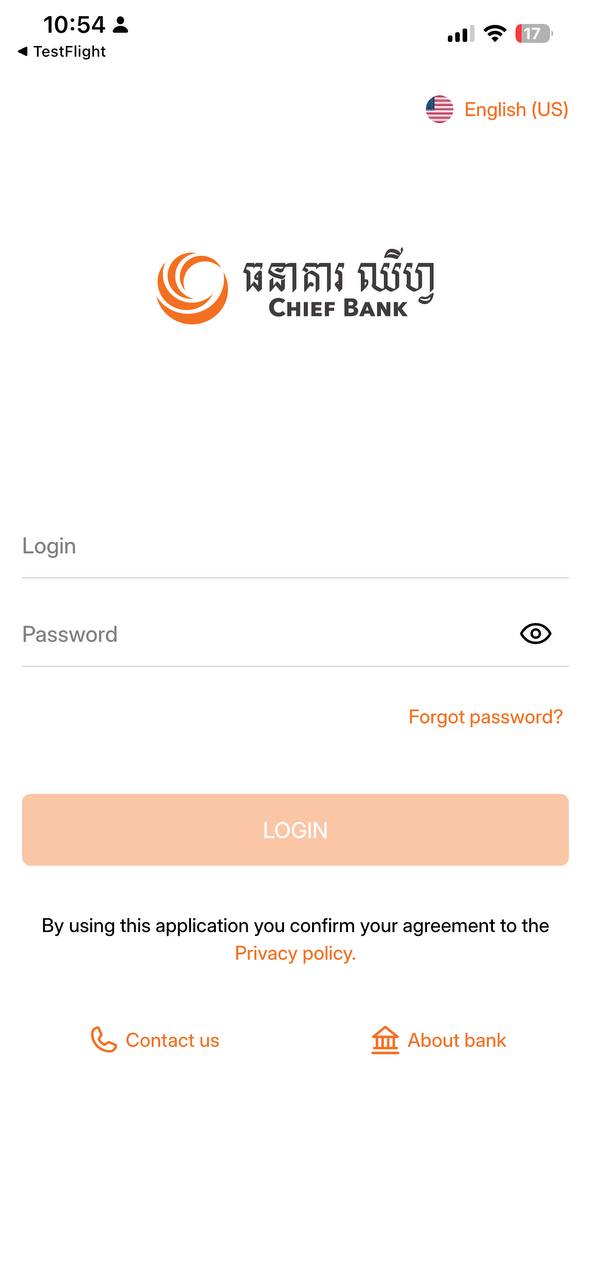
Log in using your normal CHIEF Bank Mobile Banking credentials and start using the application.
5.1 Chief Mobile Bank login screen
If the problem continues, please contact CHIEF Bank IT/Application Support and provide a screenshot of the error.
This is a temporary TestFlight version of CHIEF Bank Mobile Banking.
When the official App Store version becomes available, please update to the official version.
⚠️ Please do not share your banking credentials with anyone.